Access & Security
Getting into Eon is designed to be as frictionless as possible while keeping your account secure. You have multiple ways to access your dashboard.
How to Login
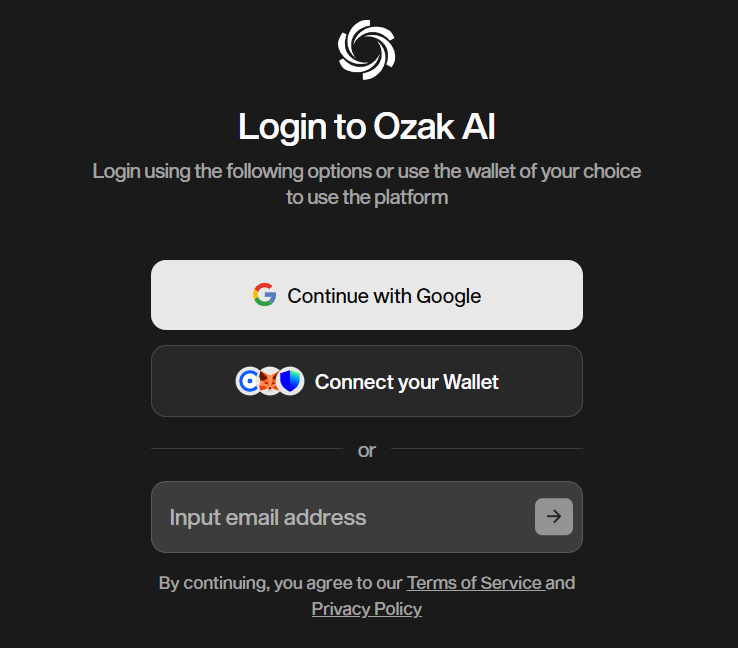
We offer three primary methods to sign in. Choose the one that fits your workflow best:
Social Login: The fastest way in. You can use your existing Google account. Just click the “Continue with Google” icon, authorize the app, and you’re in. This is perfect if you want to get started immediately without managing another password.
Web3 Wallet: For the crypto-native users. You can connect your wallet (such as MetaMask, Rabby, or WalletConnect). This is the recommended method if you plan to use features that require on-chain verification later.
Email (OTP): Classic and secure. Enter your email address, and we will send you a one-time password (OTP). No need to remember complex passwords; just check your inbox and verify.
Safety First: Understanding Wallet Permissions
If you choose to connect via a Web3 Wallet, you might see a pop-up asking for permission. We know this can be scary, so let’s clarify what we ask for:
Sign to Verify (Safe): When you first login, we ask you to "Sign" a message. This costs $0 gas. It is simply a cryptographic handshake to prove that you own the wallet address. It does not give us access to your funds.
Transaction Request (Requires Attention): You will only see a transaction request if you are actively buying something (like topping up Credits). This will always show you the exact amount (e.g., $50 USDC) and the gas fee.
We will never ask for your seed phrase or private key. If anyone claiming to be from Ozak AI asks for this, it is a scam.
Now that you are safely inside, let’s head to your headquarters.